OVERVIEW
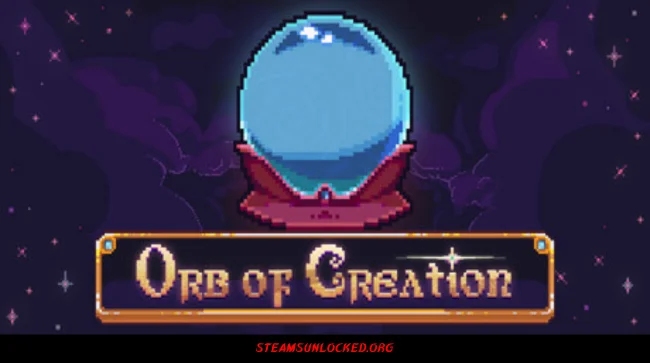
Orb of Creation drops you into a magical world that needs building from scratch. You’re not just some apprentice—you’re a powerful wizard with the tools to conjure resources, find upgrades, and push your magic in surprising new directions. At the heart of it all is a spell-casting system that’s simple to pick up, but there’s a twist: how you create and use your spells can change everything.
The game hands you a big, open sandbox packed with magic, alchemy, and strange artifacts—each piece connects in all sorts of ways. It’s up to you to experiment and see what clicks. There’s no step-by-step hand-holding; you decide how to tackle the puzzles or which strategies make sense. Go slow and methodical, or chase after wild combos that smash through goals in a blink—it’s your call. As you unlock more mechanics and settle in with the chill soundtrack, you’ll realize Orb of Creation really celebrates people who love to poke around, try things out, and build something unique. Creativity and curiosity don’t just help—they’re what the game is all about. You may also be interested in the game Relief.


DOWNLOAD INSTRUCTIONS
- Click the Download button below and you’ll be redirected.
- Wait for 5 seconds and then click the blue ‘download now’ button to start the download.
- Once the download is complete, right-click the .zip file and choose “Extract to”Orb of Creation” (You’ll need 7-Zip, available here).
- Open the game, and run the exe application.
- Enjoy playing! Remember to run the game as an administrator. If you encounter any missing DLL errors, check for a Redist or _CommonRedist folder and install all the programs it contains.
HOW TO FREE DOWNLOAD ORB OF CREATION?
Left-click the download button below to start the free download of Orb of Creation for PC, getting a direct link. This is the whole game – the full version. Remember to run the game as an administrator.
: NOTICE :
The game is ready to play, no need to install it. If you encounter missing dll errors in the game, find the _Redist or _CommonRedist folder and install DirectX, vcredist, and other programs inside. Check the ‘HOW TO RUN GAME!!.txt’ file for extra help. Always run the game as an administrator to save progress. Disable your antivirus before extracting the game to avoid it removing cracked files.
Are you looking for additional assistance? Check out our FAQ page for answers to common questions and solutions to frequent issues. Click here.
SYSTEM REQUIREMENTS
- OS: Windows 7 or later (64 bit)
- Processor: An Intel Pentium 4 processor or later that’s SSE2 capable
- Memory: 2 GB RAM
- Graphics: Intel Integrated Graphics
- Storage: 1 GB available space
Screenshots